
From Repetitive Work to Autonomous Execution: How AI Is Reshaping Modern Office Workflows
AI office automation is moving beyond one-shot content generation into context-aware workflows that read files, call tools, connect data, and produce finished deliverables. This guide compares Microsoft 365 Copilot, Google Gemini for Workspace, Notion AI, Slack AI, Zapier AI, Make, Feishu, DingTalk, WPS AI, and MCPlato.
Short answer: AI office automation in 2026 is no longer just "ask AI to write a paragraph." It is the shift from repetitive human operation to context-aware, tool-using, reviewable execution. A useful AI office workflow can read project files, summarize meetings, analyze spreadsheets, draft emails, update tasks, generate reports or slides, and leave a deliverable that a human can approve.
That shift is happening because office work is fragmented. A customer update may require CRM notes, a meeting transcript, a pricing table, a product roadmap, a support thread, a task board, and a polished email. Traditional office software stores those pieces. AI workflow systems increasingly help connect them.
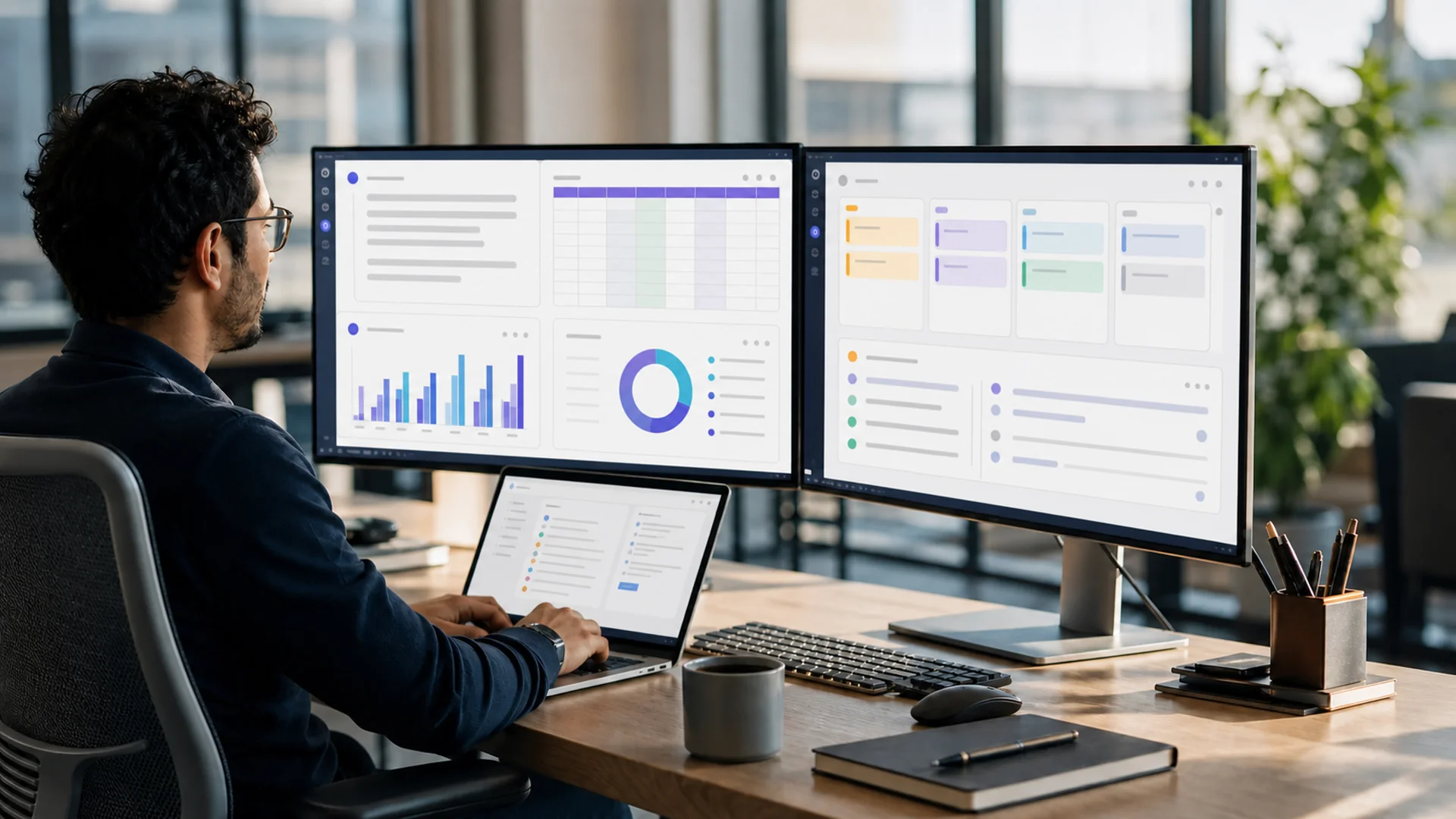 Modern office AI workbench with documents, spreadsheets, task boards, and email drafts
Why office work is moving from repetitive labor to autonomous execution
The demand is not theoretical. Microsoft and LinkedIn's 2024 Work Trend Index surveyed 31,000 people across 31 countries and found that 75% of knowledge workers use AI at work, while 78% of AI users bring their own AI tools. Leaders see the same pressure: 79% said AI adoption is critical, yet only 39% of users had received AI training. In other words, employees are already automating work, but many organizations have not yet governed it.
Microsoft's 2025 Work Trend Index sharpened the pattern. It reported that workers are interrupted every two minutes by meetings, emails, or pings, that 80% of the global workforce lacks enough time or energy, and that 82% of leaders expect digital labor in the next 12 to 18 months. The same report said 46% of leaders say their organizations use agents to fully automate workstreams or business processes.
This is the core trend: AI is moving from a writing assistant to an execution layer. The early value was drafting. The next value is orchestration: collect information, reason over context, call tools, ask for approval, and deliver a finished work object.
Typical office scenarios for AI automation
| Scenario | Repetitive work being reduced | What an AI workflow can do | Human checkpoint |
|---|---|---|---|
| Documents | Reading long files, rewriting summaries | Summarize PDFs, compare drafts, extract action items, produce briefs | Approve claims and tone |
| Spreadsheets | Cleaning rows, writing formulas, reading charts | Analyze tables, explain anomalies, draft charts, create follow-up questions | Validate numbers and assumptions |
| Meetings | Manual notes and task capture | Turn transcripts into minutes, decisions, owners, and due dates | Confirm decisions and owners |
| Rewriting updates for different audiences | Draft customer replies, internal updates, follow-ups, and escalation notes | Approve external messages | |
| Project management | Turning discussion into tasks | Break goals into tasks, milestones, risks, dependencies, and status updates | Confirm priorities and deadlines |
| Data analysis | Copying data between apps | Connect exports, summarize trends, flag exceptions, prepare dashboards | Check source data quality |
| Reporting and PPT | Weekly report and deck assembly | Build daily/weekly reports, executive summaries, and slide outlines | Review narrative and evidence |
| Cross-tool collaboration | Manually moving information | Route outputs between docs, tasks, chat, spreadsheets, and files | Approve irreversible updates |
| Customer communication | Reconstructing account context | Create account briefs, draft responses, summarize history | Review compliance and commitments |
| Content operations | Repeating research, writing, QA, publishing steps | Coordinate research, drafts, visuals, references, and delivery artifacts | Approve final publication |
 Meeting summary automatically becoming action items and a task board
Product landscape: where the main tools fit
The market is not one category. It spans enterprise suites, team workspaces, chat collaboration, automation builders, and AI project workbenches.
| Product | Best fit | Notable strengths | Watch-outs |
|---|---|---|---|
| Microsoft 365 Copilot | Large enterprises on Microsoft 365 | Deep fit with Outlook, Teams, Word, Excel, PowerPoint, SharePoint, and enterprise identity; enterprise plan listed at $30/user/month, paid yearly | Best inside Microsoft 365; training and governance still matter |
| Google Gemini for Workspace | Organizations standardized on Gmail, Docs, Drive, Sheets, Slides, and Meet | Google expanded Gemini AI into more Workspace subscriptions in 2025; Workspace states customer data is not used to train external generative AI models unless explicitly authorized | Strongest in Google-native work; cross-suite execution still needs integrations |
| Notion AI | Small and mid-sized teams using Notion as a wiki, docs, and lightweight project system | Notion included AI in Business and Enterprise plans in 2025; Enterprise Search connectors include Slack, Google Drive, GitHub, Jira, Teams, SharePoint, OneDrive, Salesforce, Zendesk, and Box | Works best when team knowledge already lives in Notion |
| Slack AI | Teams where work context lives in channels | Summarizes channels and threads, provides recaps, AI search, and huddle notes; Slack says customer data is not used to train underlying LLMs and search follows user permissions | Excellent for conversation knowledge, not a full document or spreadsheet suite |
| Zapier AI | No-code automation across many SaaS apps | Useful for trigger-action workflows; public pricing references Free with 100 tasks/month, Professional from $19.99/month annually with 750 tasks/month, and Team from $69/month annually; AI steps consume tasks | Task usage and edge-case handling need monitoring |
| Make AI Agents | Visual automation and agentic app connections | Make says AI Agents can connect to 2,000+ apps and 30,000+ actions | Pricing and implementation details should be checked carefully for each use case |
| Feishu / Lark AI | China and Asia teams using Feishu docs, meetings, Base, and chat | Aily, AI paid offerings, Base AI, AI meeting summary, and Minutes; Feishu Base formulas support 100+ functions, and Base AI marketing references 200+ models plus plugins | Strong ecosystem fit; governance depends on organization setup |
| DingTalk AI Assistant | China teams using DingTalk for collaboration and operations | DingTalk promotes AI assistant capabilities around the 7.5 era and AI table workflows | Best inside DingTalk's collaboration and enterprise service ecosystem |
| WPS AI | Individuals and teams centered on WPS documents, spreadsheets, PPT, and PDF | WPS AI supports writing, reading, PPT, spreadsheets, and PDF; WPS Pro+ is listed at $5.83/month, $69.99/year with limited AI; WPS AI MAU was reported by secondary financial coverage as 29.51 million as of 2025-06-30 | Treat reported usage numbers cautiously unless confirmed in official investor materials |
| MCPlato | Personal creators, operators, and knowledge workers running cross-material workflows | Multi-tool AI workbench and AI project workspace for materials, files, tasks, workers, long-running research/writing/report workflows, task tracking, artifacts, and deliverables | Complements enterprise suites; it does not replace native email, calendar, admin, or governance systems |
What traditional office software cannot do by itself
Traditional office software is file-centric. A document editor helps you write a document. A spreadsheet helps you calculate. A calendar schedules meetings. A chat app stores conversations. These tools are essential, but the human still carries the workflow in their head.
AI workflows change the unit of work. Instead of asking for one paragraph, the user can ask for a deliverable: "Read these customer notes, summarize the risks, update the task plan, draft the follow-up email, and prepare a one-page status report." The system must understand context, retrieve the right files, call approved tools, connect data, split the task into steps, and pause where human approval is required.
That is the practical difference between AI content generation and AI office automation. Generation produces text. Automation produces an inspected state change: a report, a task plan, a meeting note, a spreadsheet analysis, a slide outline, or a customer communication package.
MCPlato workflow examples: a multi-tool AI workbench
MCPlato fits the part of office work that crosses materials and deliverables. It is not positioned as a replacement for Microsoft 365, Google Workspace, Feishu, DingTalk, Notion, or WPS. Those ecosystems win when a company needs native email, calendar, document editing, enterprise administration, and standardized compliance controls.
MCPlato is more useful when a person needs a project workspace for AI-assisted execution. A creator might collect web research, PDFs, notes, screenshots, and interview transcripts, then ask an AI Partner to turn them into a cited article, social posts, images, and a publishing checklist. An operator might bring weekly metrics, customer feedback, task updates, and meeting notes into one workspace, then produce a weekly report, risk list, next-week plan, and stakeholder email. A consultant might combine a spreadsheet, discovery call transcript, client documents, and market references into a recommendation memo and presentation outline.
The key is continuity. MCPlato can coordinate materials, task tracking, worker-style collaboration, long-running workflows, artifacts, and deliverables around a project. That makes it especially relevant for office work such as data-backed research, document summaries, meeting minutes, email drafts, table analysis, daily and weekly reports, project planning, task decomposition, PPT generation, customer communication, and content operations.
A realistic MCPlato workflow might look like this:
- Collect materials: Add project files, research links, meeting notes, exported tables, and customer context.
- Summarize and map context: Produce a source brief, decision log, open questions, and risk list.
- Analyze structured data: Review tables, surface anomalies, and explain trends in plain language.
- Create deliverables: Draft emails, reports, project plans, meeting minutes, slide outlines, or content packages.
- Track work: Break outputs into tasks with owners, checkpoints, and pending decisions.
- Review and deliver: Keep humans in the loop for publication, customer-facing messages, confidential data, or irreversible actions.
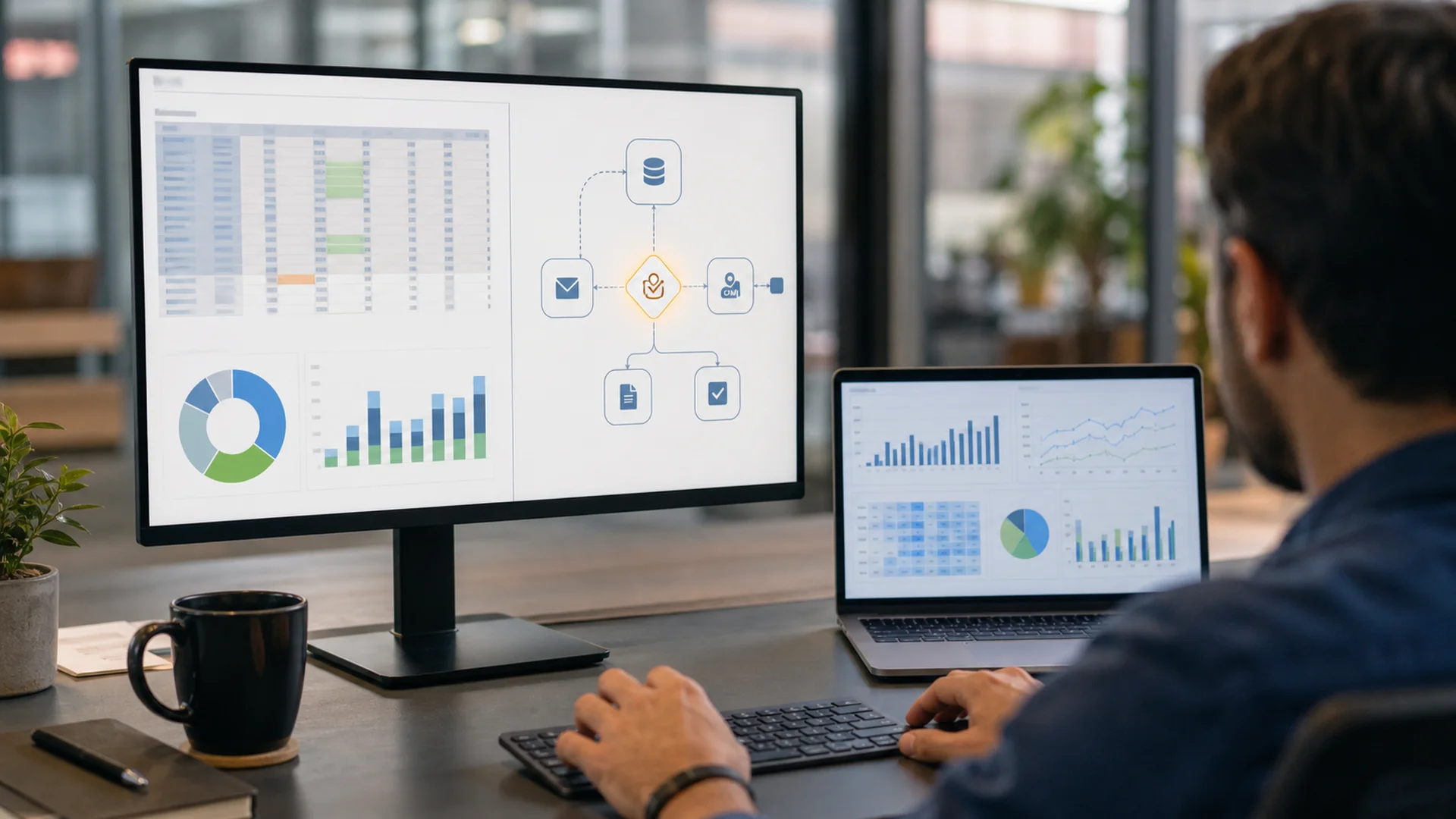 Spreadsheet analysis and cross-tool automation workflow with a human approval checkpoint
Which solution fits which organization?
For large enterprises, Microsoft 365 Copilot and Google Gemini for Workspace are usually the safest starting points because they align with existing identity, files, email, calendar, admin, and compliance infrastructure. They are strongest when most work already happens inside one office graph.
For small and mid-sized teams, Feishu, DingTalk, and Notion often provide faster day-to-day adoption because collaboration, docs, lightweight databases, meetings, and project work can live close together. Slack AI is valuable when conversations are the knowledge layer, while Zapier and Make are strong when the team needs repeatable app-to-app automation.
For individual creators, operators, consultants, and knowledge workers, MCPlato is a better fit when the work crosses many materials and the deliverable matters more than the native suite. It complements existing ecosystems by acting as the AI project workbench around research, writing, reporting, planning, review, and final artifacts.
Limits and governance: automation needs control
AI office automation is powerful, but it is not magic. Gartner predicted in 2025 that over 40% of agentic AI projects will be canceled by the end of 2027, citing issues such as cost, unclear value, and risk. The same Gartner release predicted that by 2028, 33% of enterprise software applications will include agentic AI, up from less than 1% in 2024. Both claims can be true: AI workflows will spread, and many poorly governed projects will fail.
The main risks are predictable. Permission errors can expose confidential files. Data security rules may be unclear when tools connect across apps. Outputs can be inaccurate, hallucinated, or based on stale context. Autonomous workflows can become hard to control if they retry, route, or update systems without checkpoints. Costs can grow when AI steps run repeatedly. Enterprise compliance teams need auditability, retention policies, and approval rules.
Good governance starts before deployment. The NIST AI Risk Management Framework uses four functions: Govern, Map, Measure, Manage. OWASP's Top 10 for LLM Applications 2025 is also a useful security reference because office agents often touch prompts, files, APIs, connectors, and sensitive data.
Best practices checklist
- Start with one painful workflow, not a vague "AI transformation" program.
- Define the deliverable: meeting minutes, weekly report, customer email, project plan, dashboard, deck, or content package.
- Keep source links, files, and assumptions close to the output.
- Use permission-aware tools and limit connectors to necessary data.
- Add human approval for external messages, financial decisions, confidential sharing, and irreversible updates.
- Track cost per workflow, especially when automation platforms count AI steps as tasks.
- Train users. The 2024 Work Trend Index showed a large gap between AI usage and formal training.
- Measure outcomes: time saved, fewer missed follow-ups, faster reporting, better collaboration, and fewer manual handoffs.
- Keep fallback paths for inaccurate output or failed automations.
- Review workflows regularly as products, policies, and data sources change.
FAQ
What does AI office automation mean in 2026?
It means AI systems that can understand workplace context, read materials, use approved tools, connect data, break work into steps, and produce reviewable deliverables across documents, meetings, spreadsheets, email, reports, presentations, and customer communication.
How is AI office automation different from an AI writing assistant?
An AI writing assistant drafts content. An AI office workflow coordinates the surrounding process: collecting sources, summarizing context, analyzing files, routing outputs, creating tasks, generating deliverables, and pausing for human approval.
Which platform should a large enterprise choose first?
If the organization already runs on Microsoft 365 or Google Workspace, start there. Copilot and Gemini have the strongest fit with native email, calendar, documents, meetings, identity, and admin controls.
Are Zapier AI and Make competitors to Copilot or Gemini?
They solve a different layer. Copilot and Gemini live inside office suites. Zapier and Make connect actions across many apps, making them useful for no-code automation and repeatable operational workflows.
Where is MCPlato strongest?
MCPlato is strongest when a creator, operator, or knowledge worker needs to coordinate materials, files, tasks, workers, research, writing, reporting, PPT planning, content operations, and deliverables across tools. It complements enterprise suites rather than replacing them.
What are the biggest risks?
The biggest risks are permission mistakes, data leakage, inaccurate analysis, hallucinated references, unclear process control, unmanaged costs, and compliance gaps. High-impact workflows should include human review and audit trails.
References
- Microsoft 365 Copilot enterprise pricing
- Microsoft and LinkedIn 2024 Work Trend Index
- Microsoft 2025 Work Trend Index
- Copilot's earliest users teach us about generative AI at work
- Google Workspace Updates: Expanding Google AI to more of Google Workspace
- Google Workspace AI privacy
- Notion release: AI included in Business and Enterprise
- Notion Enterprise Search
- Slack AI features
- Slack guide to AI features
- Slack security for AI features
- Zapier pricing guide
- Make AI Agents press release
- Feishu Aily
- Feishu AI paid page
- Feishu Base AI
- Feishu AI meeting summary
- Feishu Minutes
- Feishu Base formula field overview
- DingTalk
- DingTalk AI table
- DingTalk AI assistant article
- WPS AI
- WPS pricing
- WPS AI in spreadsheets
- Futu News: Kingsoft Office semi-annual report coverage
- Kingsoft / WPS investor information
- Gartner: over 40% of agentic AI projects expected to be canceled by 2027
- NIST AI Risk Management Framework
- OWASP Top 10 for LLM Applications 2025
- MCPlato official website
- MCPlato ClawMode