 World Cup Fan Studio
Turn match night into your own World Cup studio
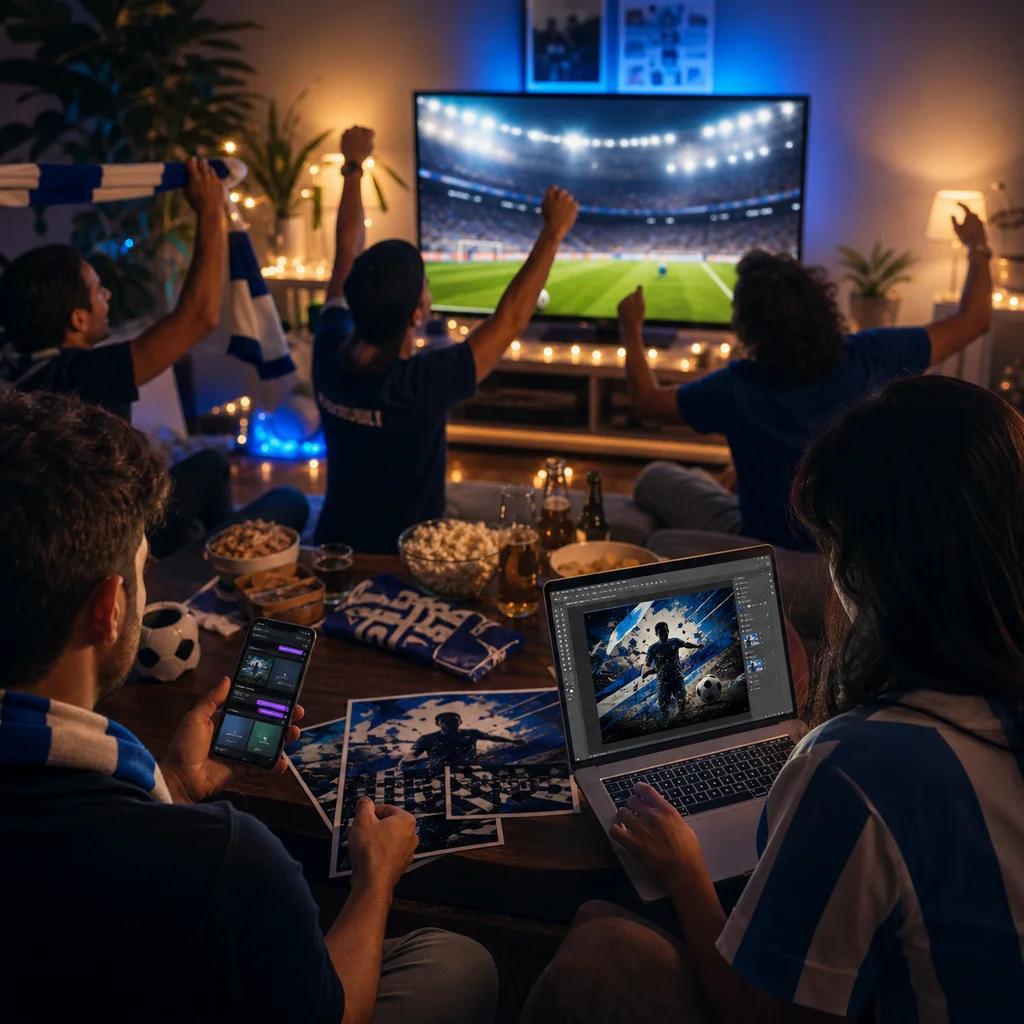
Track fixtures, generate fan visuals, and schedule watch-party posts without using official marks.
BrowserImage genScheduling
ARAlex RiveraCommunity organizer
See the demoYuki wants to shoot, not babysit a content calendar. MCPlato finds the trend, writes the script, designs cover options, adapts the captions per platform, and schedules everything — so she can spend the day creating.
Meet
Yuki Tanaka
TikTok Creator · Food & travel shorts · posts daily
Yuki posts every day. The making is the fun part; the grind is everything around it — hunting trends, writing the script, designing a thumbnail, rewriting the caption three ways for three platforms, then remembering to post at the right time.
Prompts to try
I post daily and I need this week's content. Find a food trend with real momentum and build me a 3-platform post pack. - Scan current food/travel trends and pick the angle that's actually moving this week - Write a hook-first script for TikTok, Reels and Shorts in my channel's voice - Generate a few cover options on the spot so I can choose - Write per-platform captions and hashtags Schedule all three at my best-performing times, but let me approve the angle first.
Tell MCPlato your channel and what you want to post. It works from your voice and audience, not a generic template.
The built-in browser scans current trends in your niche and surfaces the angles with the best momentum for your audience.
A hook-first script, several cover options generated on the spot, and captions adapted for each platform with the right hashtags — all in the conversation.
Publish now or schedule TikTok, Reels, and Shorts at your best-performing times. Set it to prep next week automatically.
Mornings
back for filming, not research
1 → 3
platforms covered from one pack
On time
posted at peak hours, automatically
The built-in browser checks current trends in your niche in real time and ranks angles by momentum and fit for your audience — not a stale list.
Yes. MCPlato works from your channel and past posts, so the hook, tone, and sign-off match your voice while it adapts length and hashtags per platform.
They are generated inside the conversation from the video idea and your style, so you get several thumbnail options to pick from without opening a design tool.
Yes — it can schedule across TikTok, Reels, and Shorts at your best-performing times, or post now and keep the rest as one-tap drafts.
Schedule it to research trends and draft a fresh pack every week, so a ready-to-shoot plan is waiting when you sit down.
One brief. A full multi-platform pack, scheduled.